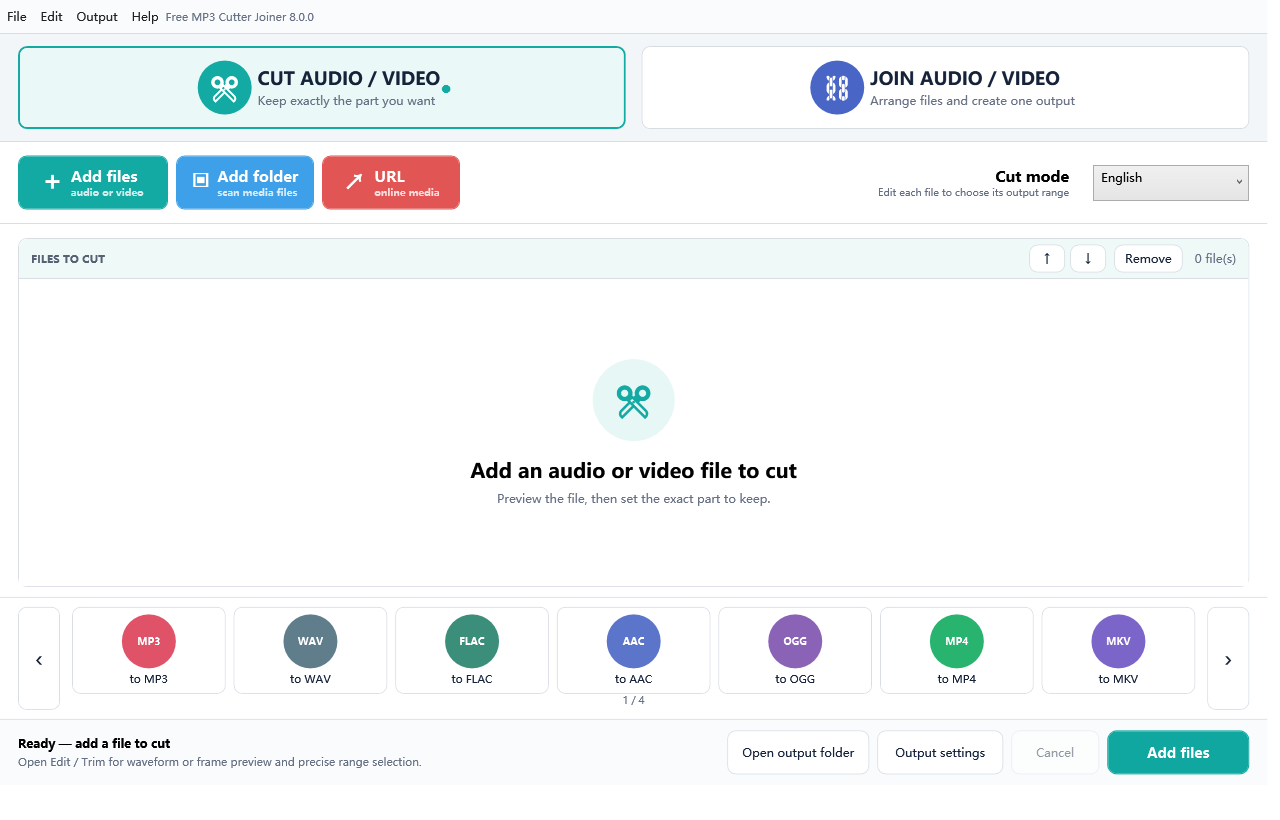
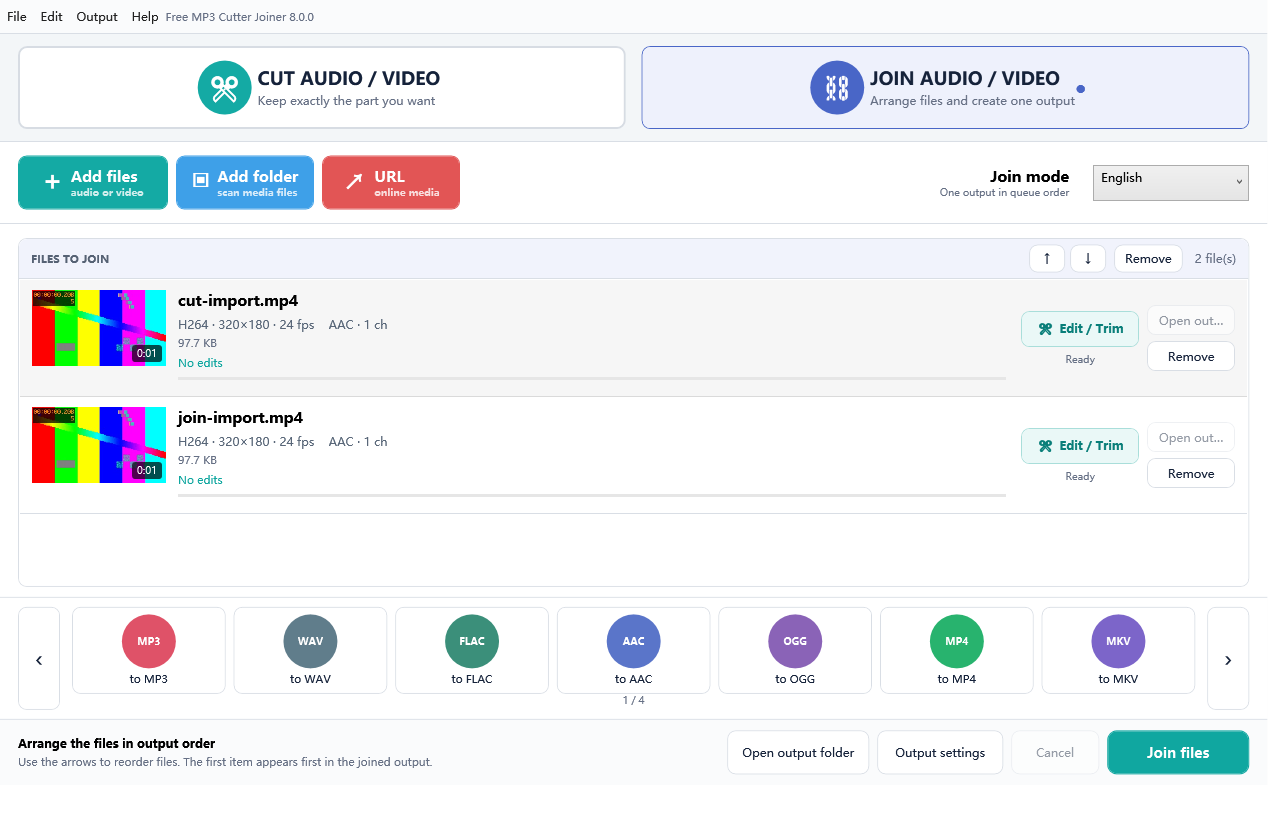
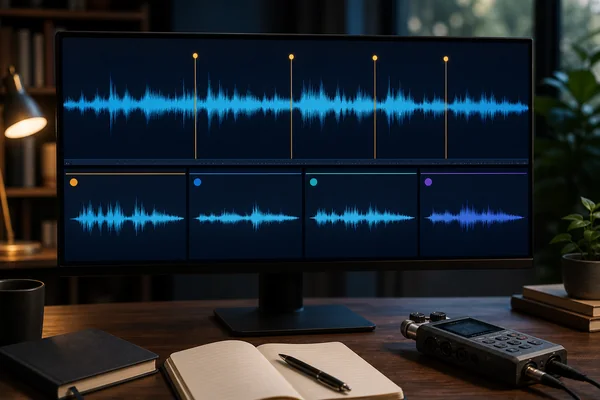
 split long audio recording Windows
Plan chapter boundaries, export several named ranges from a long recording, verify each part, and keep a manifest so nothing is lost or duplicated.
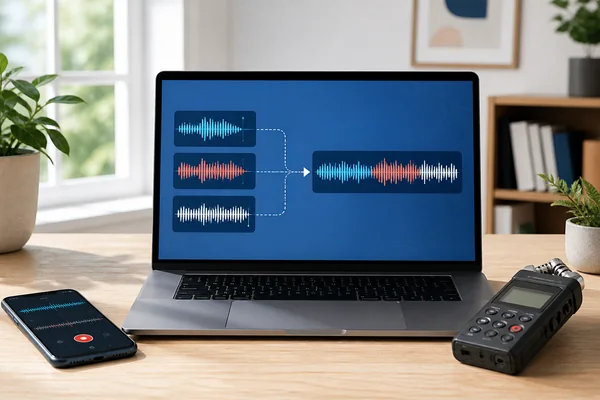 join M4A files on Windows
Combine M4A voice memos or recordings on Windows, choose one output format, verify order and boundaries, and avoid unnecessary re-encoding.
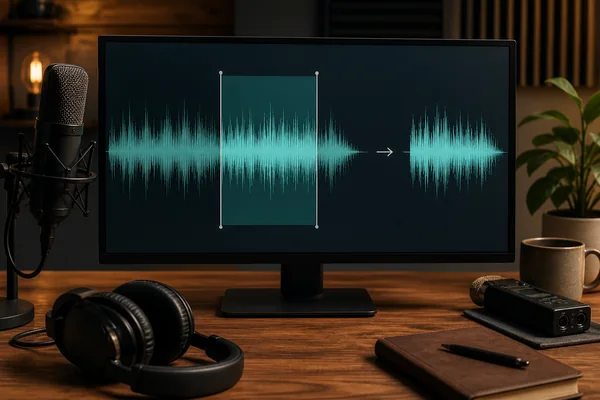 cut WAV file on Windows
Trim a WAV recording on Windows, choose a safe output, preserve the source, and verify sample format, boundaries and full playback.
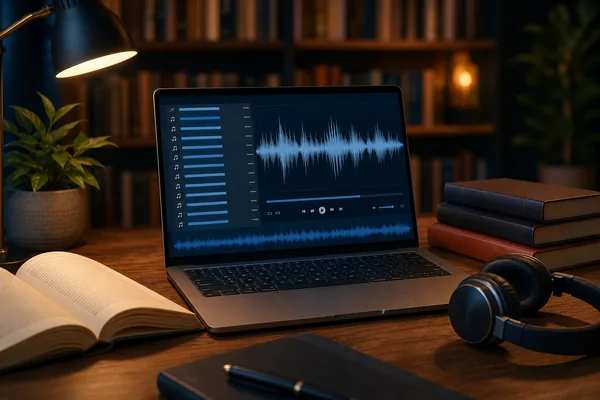 merge audiobook MP3 chapters
Build one long listening file from numbered audiobook chapters, then verify order, boundaries, duration and metadata.
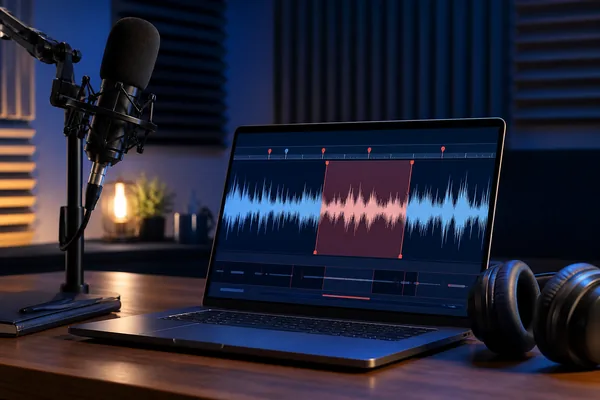 trim voice recording on Windows
Remove setup chatter, long endings or a private section from a voice recording while keeping an untouched original.
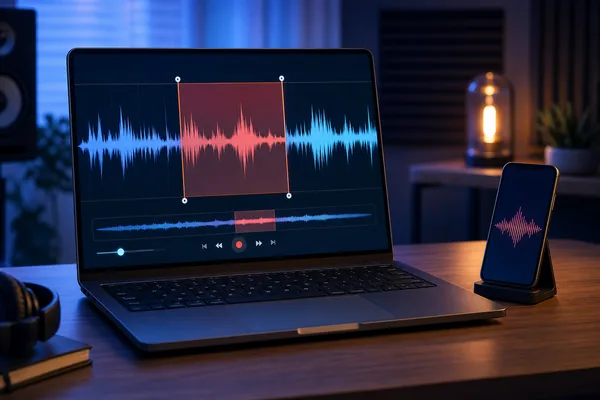 make a ringtone from MP3
Cut a clean ringtone-length clip on your PC, verify both boundaries, and move it to your phone without uploading the song.
offline MP3 cutter no uploadDecide when local Windows software is a better fit than uploading audio to a web tool.
extract audio from video WindowsTurn a selected part of a video into MP3, WAV or FLAC—locally on your PC.
combine audio files different formatsA practical guide to sample rates, lossy generations and choosing one output format.
merge MP3 files on WindowsCombine audiobook chapters, voice recordings or music clips into one verified MP3.
MP3 cutter for WindowsTrim an MP3 to an exact start and end time without uploading private recordings.