
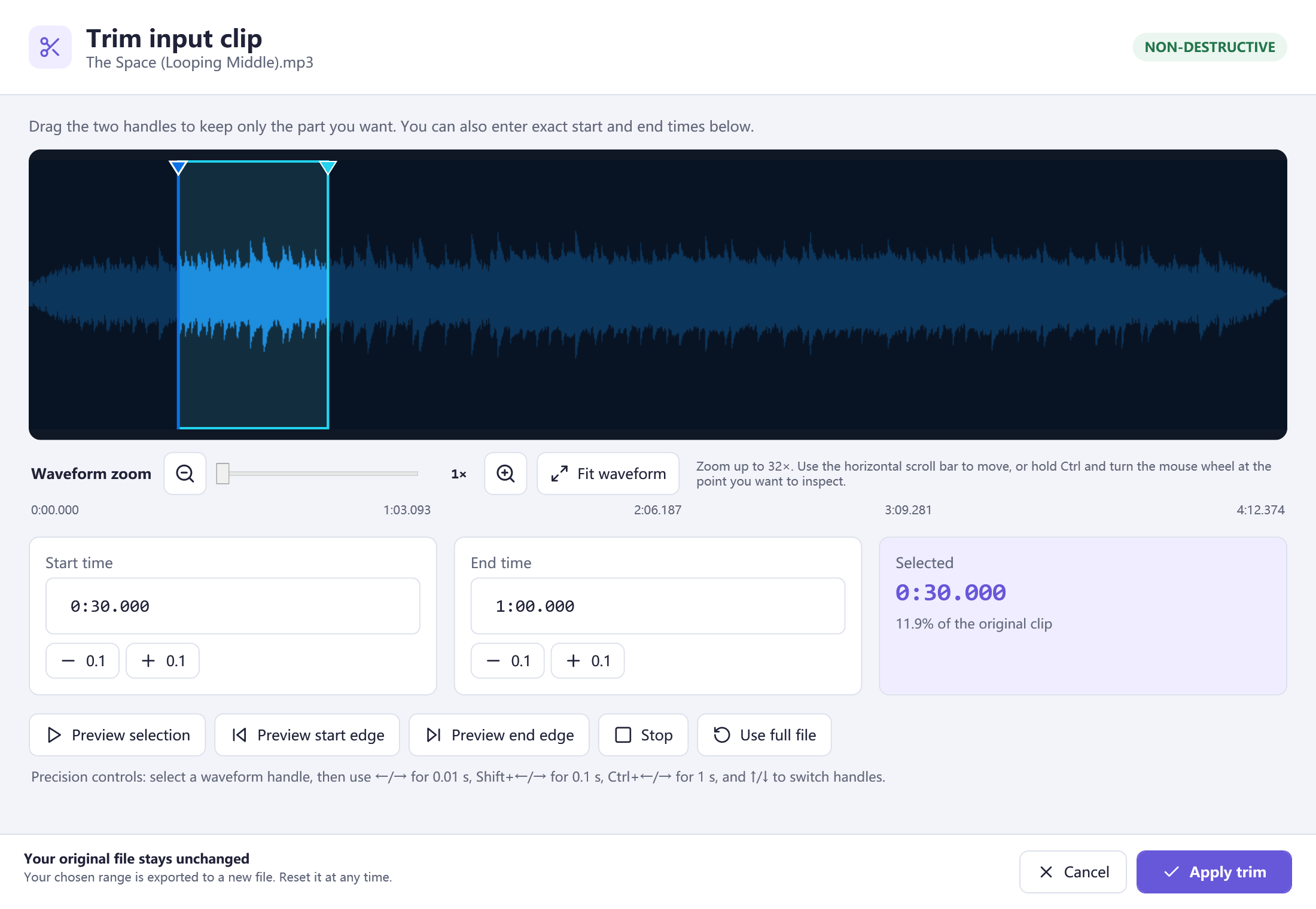
Choose exact cut points
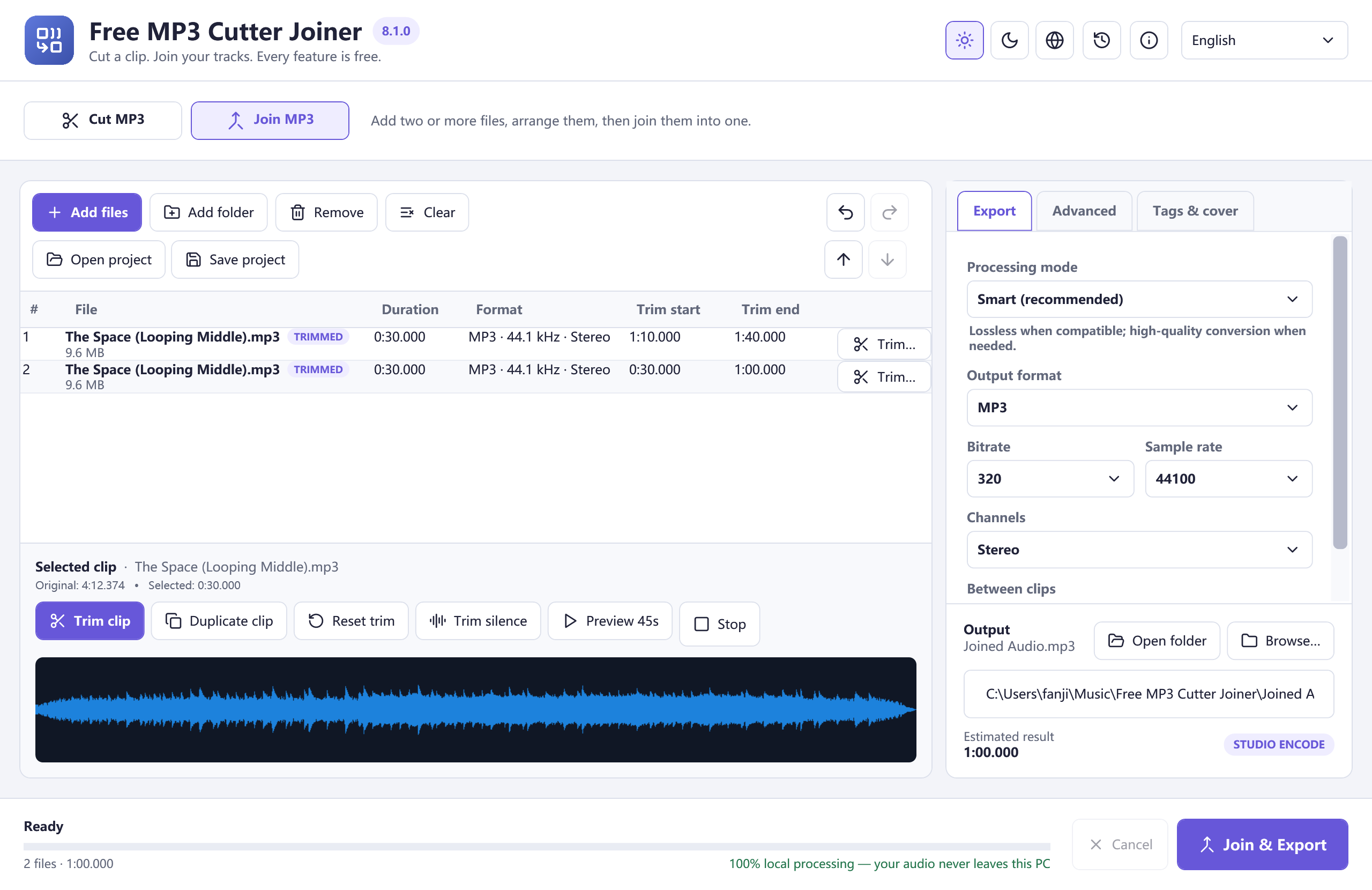
Arrange clips and join
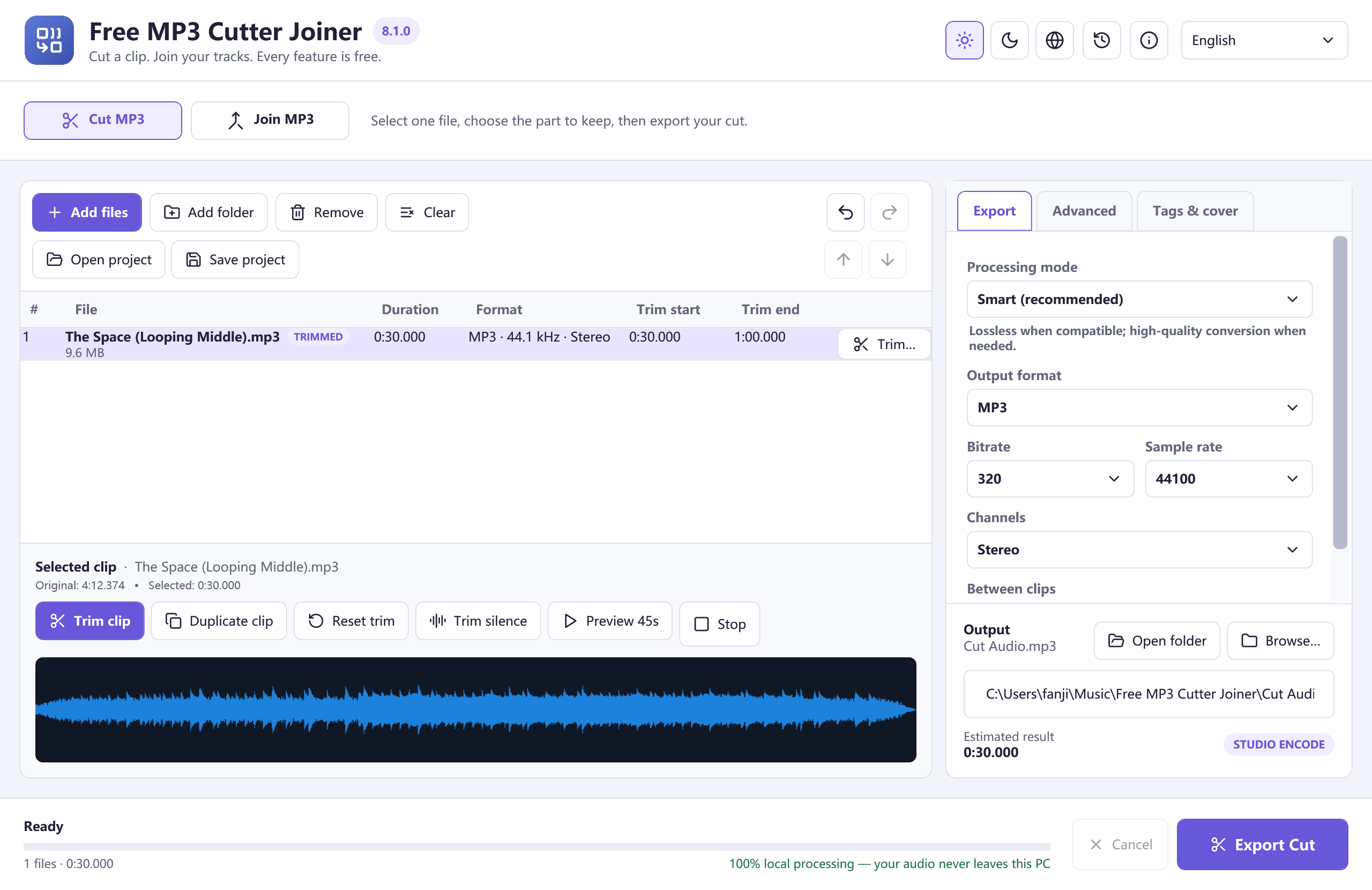
Cut one file
Cut MP3 keeps the selected track’s range ready for Export Cut. Start with one file; a second track is not required.
Set a precise range
Trim clip shows the waveform handles, exact times, selected duration, zoom, and previews for both boundaries.
Join clips in order
Join MP3 shows the queue that becomes the finished file. Per-clip ranges and the estimated result help you check the sequence.