
Voice recordings often contain useful material surrounded by setup chatter, a long wait before the first answer, or conversation after the real ending. Interviews may also contain a private section that should not appear in the delivery copy. A careful local workflow preserves the source, documents the selected ranges and verifies that every spoken word at the boundary remains complete.
Write down the edit before touching the file
Listen once and record rough timestamps for the first wanted word, the final wanted word and any section that must be excluded. Use a simple edit note such as keep 00:00:18–00:12:44; remove private answer; keep 00:14:10–00:31:05. That note becomes the acceptance test for the exported pieces.
Make a working copy when the recording matters. Store the untouched source in a separate folder, export to another folder, and never reuse the source filename. For research, legal, journalistic or business material, retain the original hash and the written time-range note beside the result.
Keep one continuous interview section
- Open Cut mode. Add the MP3, M4A, WAV, FLAC or supported video recording.
- Locate the real first word. Move the start earlier until the consonant and natural room tone are complete.
- Locate the ending. Include the complete last phrase and a short natural tail.
- Choose the output format. Use WAV or FLAC for transcription/editing; use MP3 for a compact review or delivery copy.
- Export once. Save to a descriptive filename and verify the entire result.
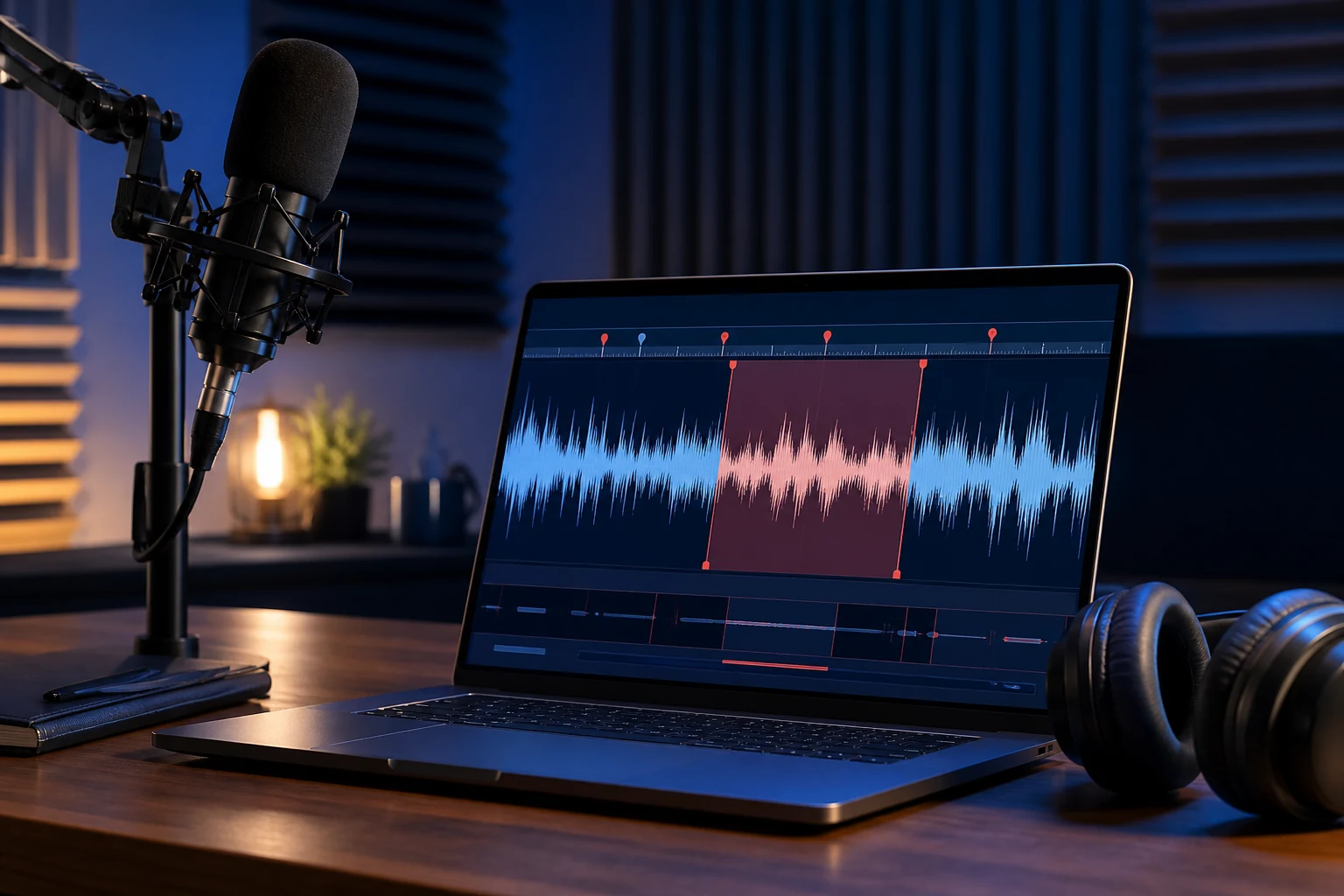
Remove a private or unwanted section from the middle
A single “keep this range” cut cannot preserve material on both sides of an excluded middle. Use two explicit outputs instead. First export the approved part before the exclusion. Then export the approved part after it. Give them sortable names such as 01-approved-opening.wav and 02-approved-ending.wav.
Switch to Join mode, add those two files, verify their order, choose one output format and create a new combined result. Listen across the new join point. If the speaker’s tone or room noise changes abruptly, the edit may be accurate but still sound unnatural. A crossfade or noise-matching repair requires a dedicated audio editor; sequential joining should not be represented as creative mixing.
Choose a speech-friendly output
| Next use | Practical output | Why |
|---|---|---|
| Transcription or further editing | WAV or FLAC | Avoids another lossy generation before later work |
| Email/review copy | MP3 | Compact and broadly playable |
| Phone-centered workflow | M4A/AAC or MP3 | Common compact delivery choices; verify the target app |
| Long-term archive | Original plus a documented lossless working copy | Preserves evidence and future options |
Protect private recordings
Local processing avoids uploading a client call, unpublished interview, medical dictation or internal meeting to a browser service. That does not remove every privacy risk. Outputs can still enter cloud-synced folders, Windows backups or shared accounts. Choose the destination deliberately, delete working copies according to the owner’s retention rules, and inspect metadata before sharing.
If the recording contains other people, permission and disclosure rules depend on jurisdiction and context. Editing software cannot determine whether recording, modifying or publishing the conversation is lawful. Treat consent and retention as a separate responsibility.
Professional verification checklist
- Compare the planned timestamp note with each exported range.
- Listen to the first and last sentence of every piece.
- Play across every new join boundary.
- Confirm the final duration is plausible.
- Decode or play the file to the end in a second application.
- Confirm excluded private content is absent—not merely quieter.
- Confirm the original file hash and timestamp are unchanged.
Prepare a cleaner transcription source
Removing long setup periods and irrelevant endings can reduce transcription time, but do not trim so tightly that speaker context disappears. Keep speaker introductions when they help attribution. When accuracy matters, retain the original and note that the transcription copy is edited. WAV is predictable for many speech tools, while a compact MP3 may be sufficient for human review.
Troubleshooting
A word is chopped at the start
Move the start earlier. Speech attacks are short, and waveform thumbnails may not show them clearly.
The join sounds like a click
Listen to each source boundary. A sudden amplitude or room-tone change can sound abrupt; joining does not apply a crossfade.
The recording has several audio tracks
Preview the selected track and verify the output language/channel. Use a workflow with explicit track selection when automatic selection is not the intended one.
Authoritative references
FFmpeg’s official documentation explains stream selection, decoding, filtering and output mapping. Microsoft documents common Windows media file types. See FFmpeg’s pipeline description and Microsoft Support.